 PulseGTO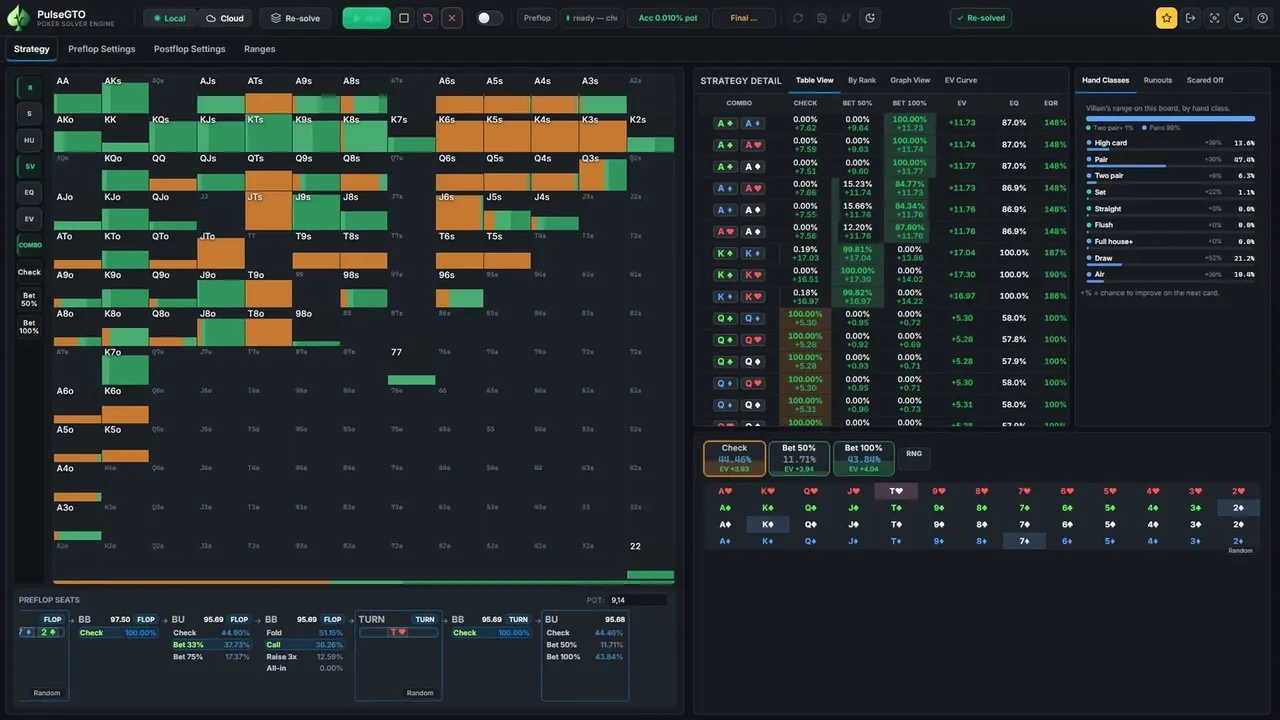
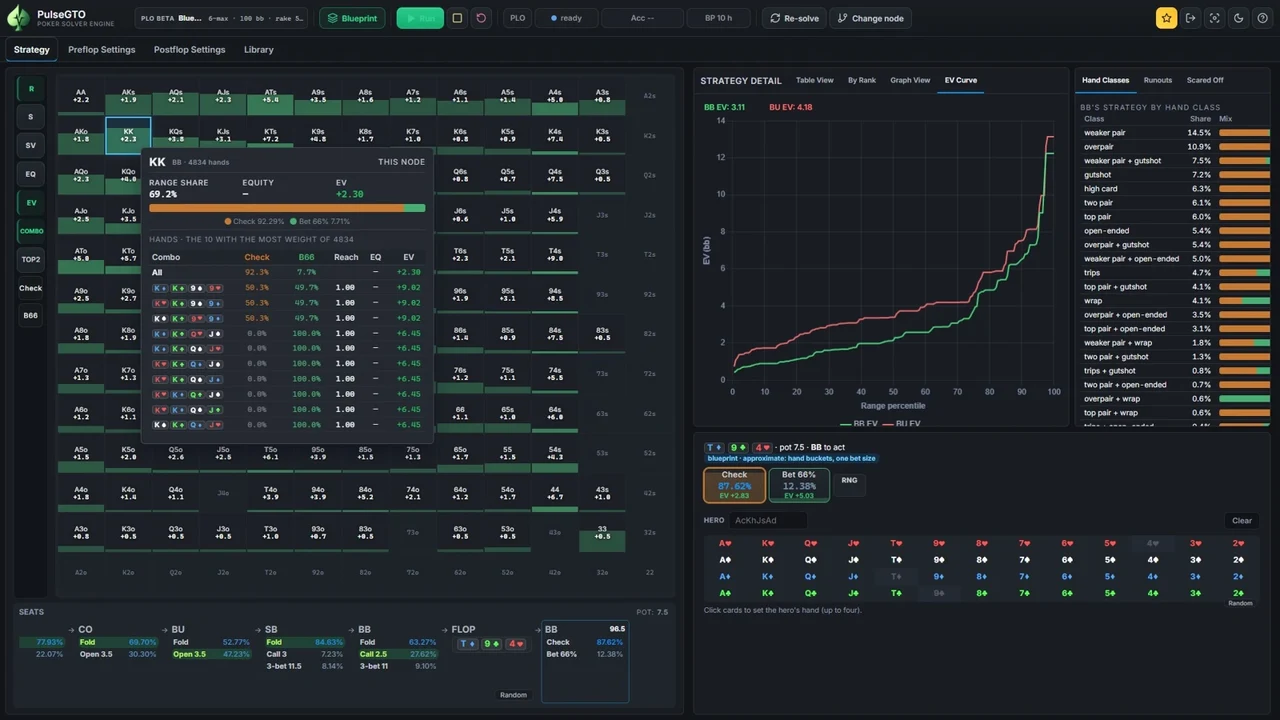
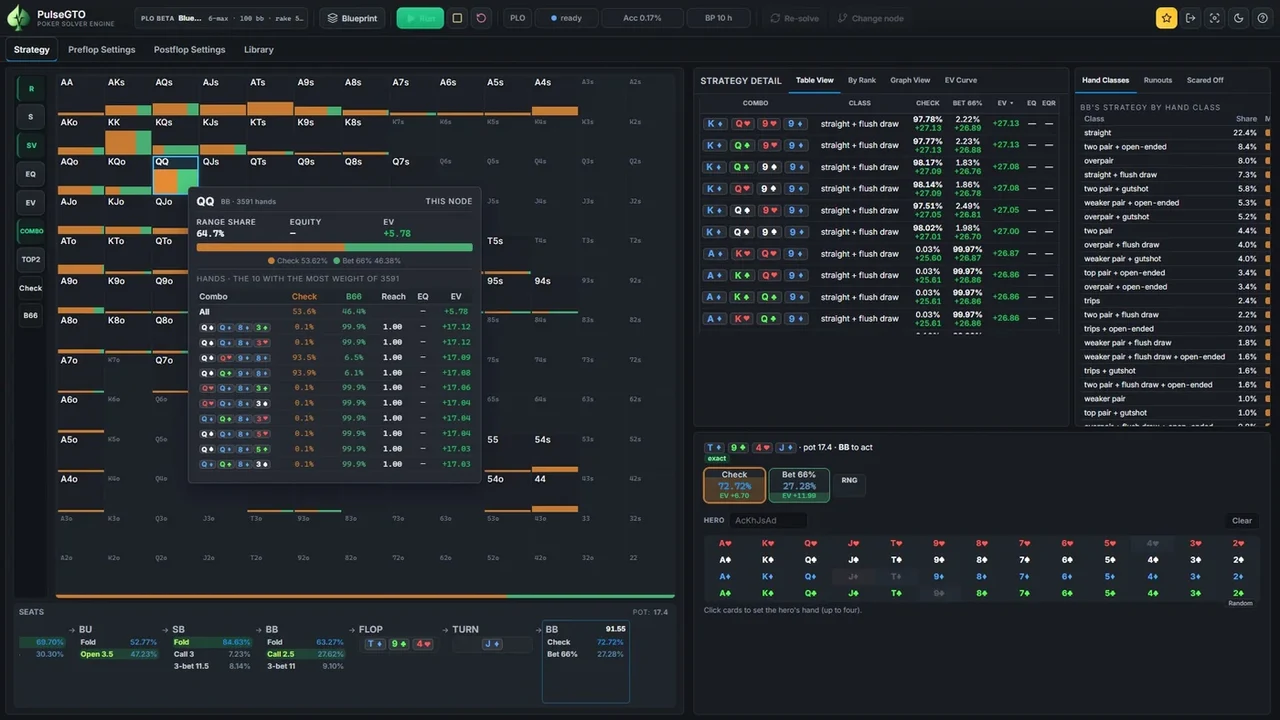

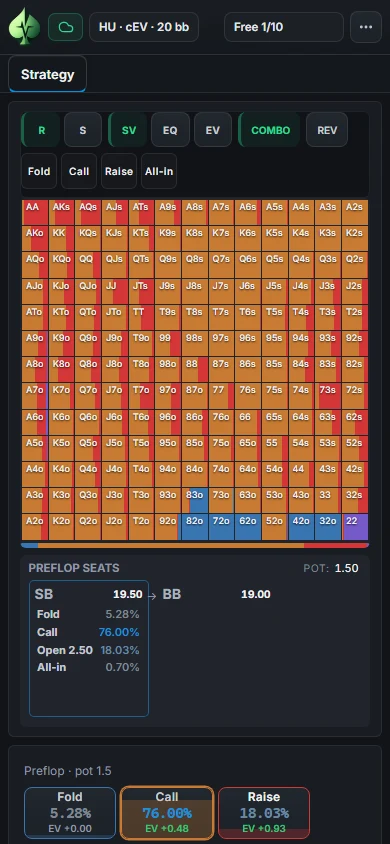
NLHE CLOUD · MOBILE VIEW
Study Hold’em anywhere
Explore the actual NLHE range grid and follow the action in your mobile browser.
Poker study · Hold’em & PLO
PulseGTO is a poker GTO solver for Hold’em and Pot-Limit Omaha. Explore ranges, action frequencies and EV in your browser — no download needed.
10 free views per day · Account required · No download
Log in or create a free account to open the solver.
WEB APP · MOBILE VIEW
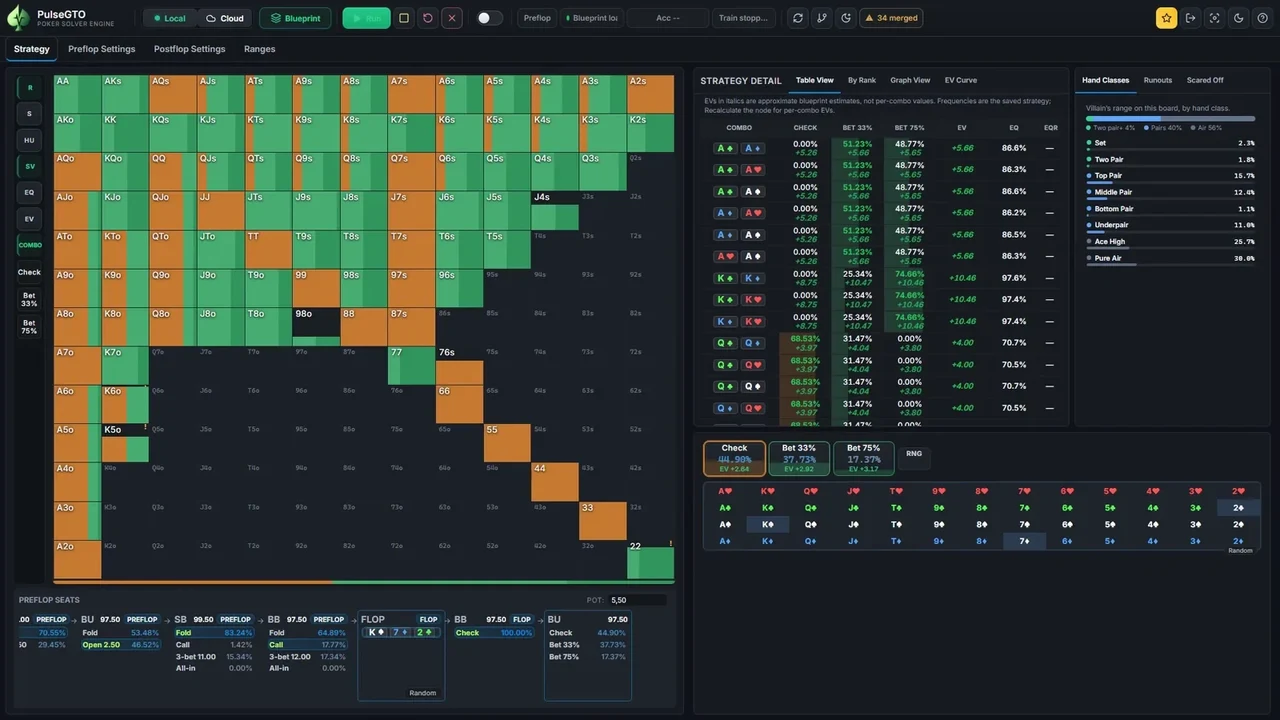
Explore Hold’em and Pot-Limit Omaha (PLO) strategies in your mobile browser. Ranges, individual hands and saved EV curves — no desktop installation needed.
Explore the actual NLHE range grid and follow the action in your mobile browser.
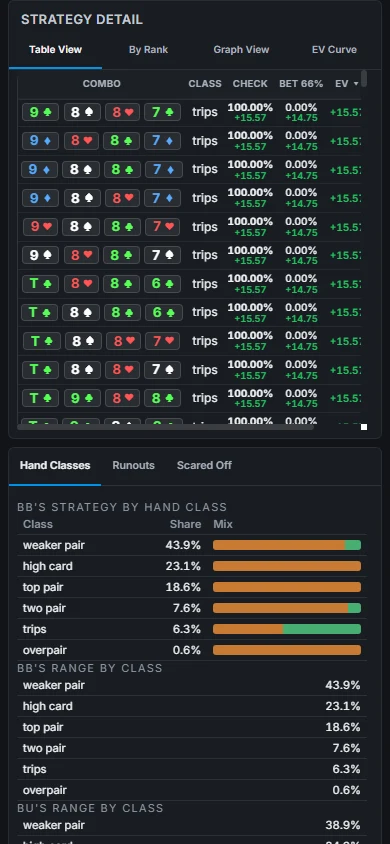
Compare four-card holdings, action frequencies and saved EV values.
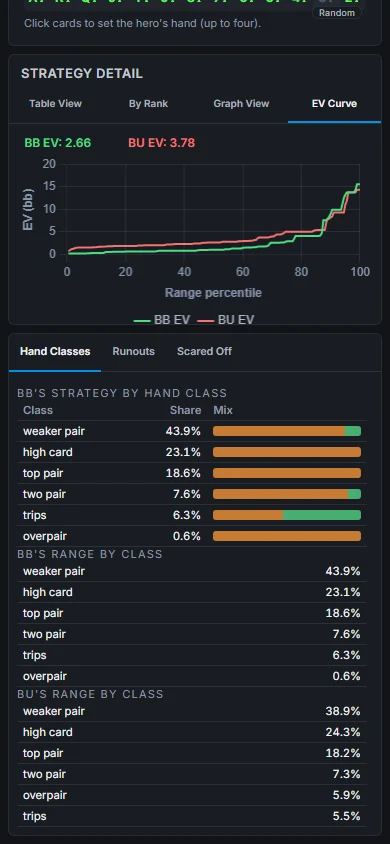
See both players’ saved EV curves and explore hand classes below.
Actual NLHE and PLO Cloud screenshots · One phone viewport per image · 10 free views per rolling 24 hours · Account required. Custom solves run in the Windows desktop app.
A clearer way to study
Start with a strategy. Look at individual hands. Use the desktop app when you’re ready to analyze your own game.
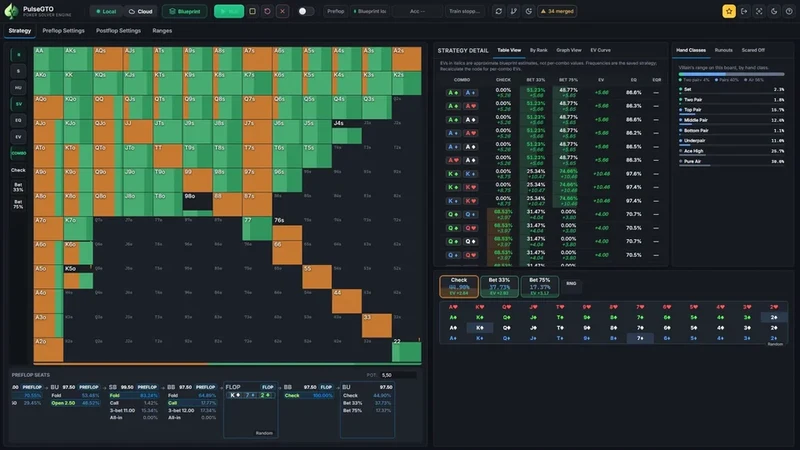
Follow an action through the published blueprint. Explore the range, compare frequencies and inspect the EV of individual hands.
Each blueprint has its own stack sizes, rake and betting tree. Cloud browsing displays that saved strategy.
Explore the strategy library ↗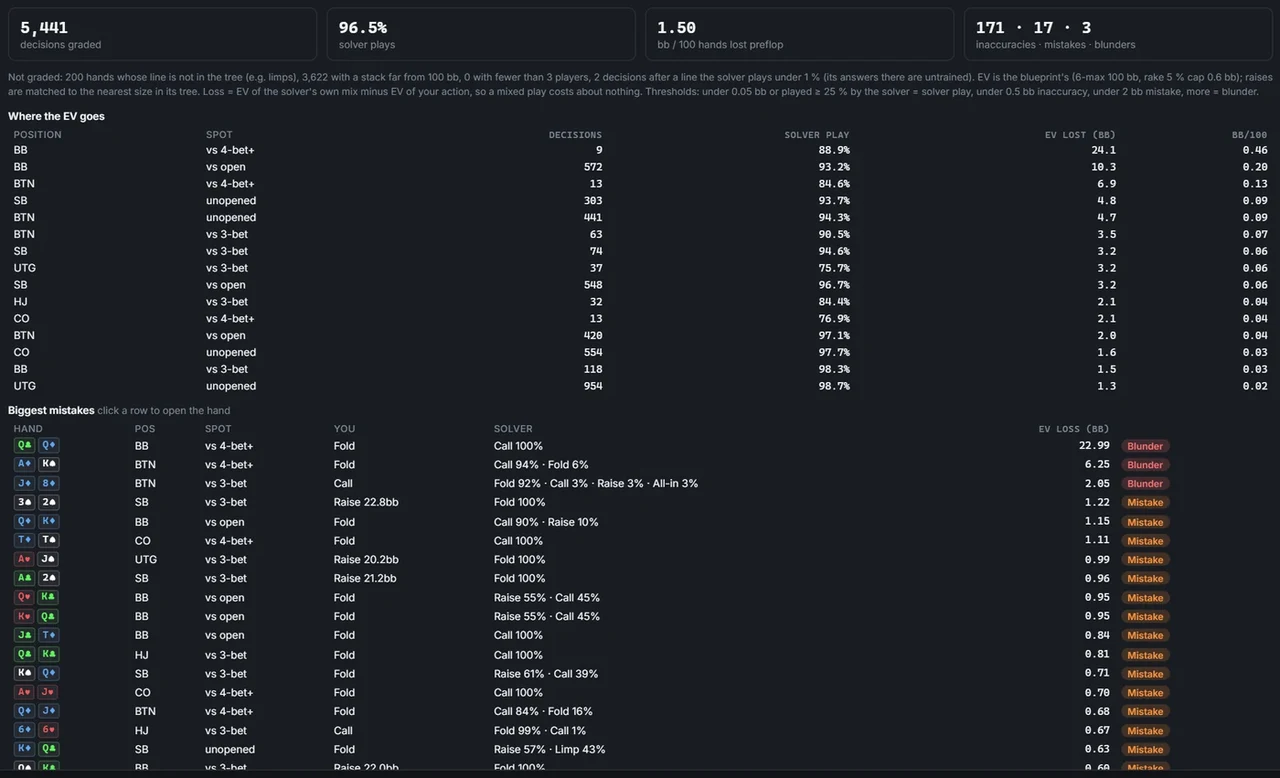
Import your hand histories, explore your results and compare supported decisions with the blueprint. Re-solve a selected hand on your PC for a closer look at its postflop decisions.
See hand review in action ↗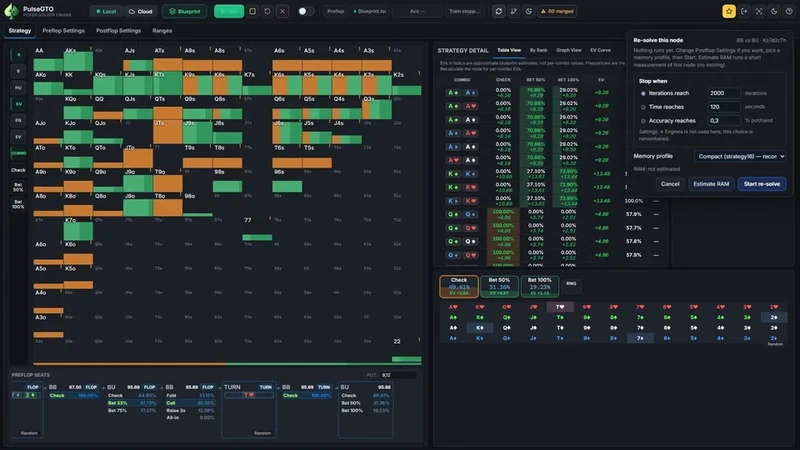
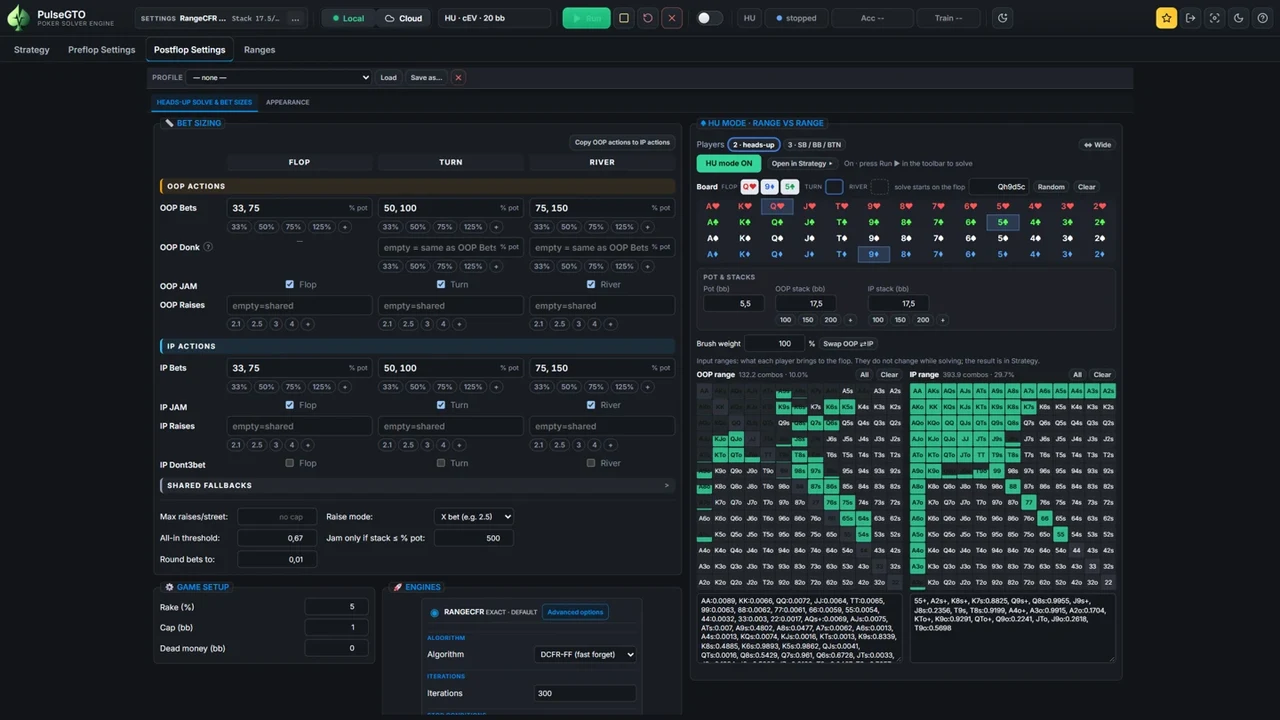
Choose the board, stacks, ranges and bet sizes. Run custom solves on your own computer, or refine a selected spot from a blueprint.
Explore the Hold’em engine and the PLO engine. Available workflows and requirements differ by engine.
Discover the desktop app ↗Start in your browser
You don’t need to install the desktop engine to explore Cloud.
10 free views per day · Account required
A free account has 10 strategy views per rolling 24 hours in the published library. Cloud shows saved blueprint strategies; it does not run your own solves.
Not for Cloud browsing. Custom solves and hand-history review run in the Windows desktop app. See the download page for current system requirements.
Yes. Published strategies are available for both games. The desktop app includes separately licensed NLHE and PLO engines. Hand-history review shown here is for Hold’em.
No. A blueprint is a strategy trained for a configured game, with postflop abstraction. A local re-solve refines a selected spot; it does not make every other node exact.